Cevera App Features
Explore instructional how to videos and core features.
How to: instructional feature videos
How to: Sign up to Cevera
How to: Make a Post
How to: Create and Share a Portfolio
How to: Create and Share a Visual CV
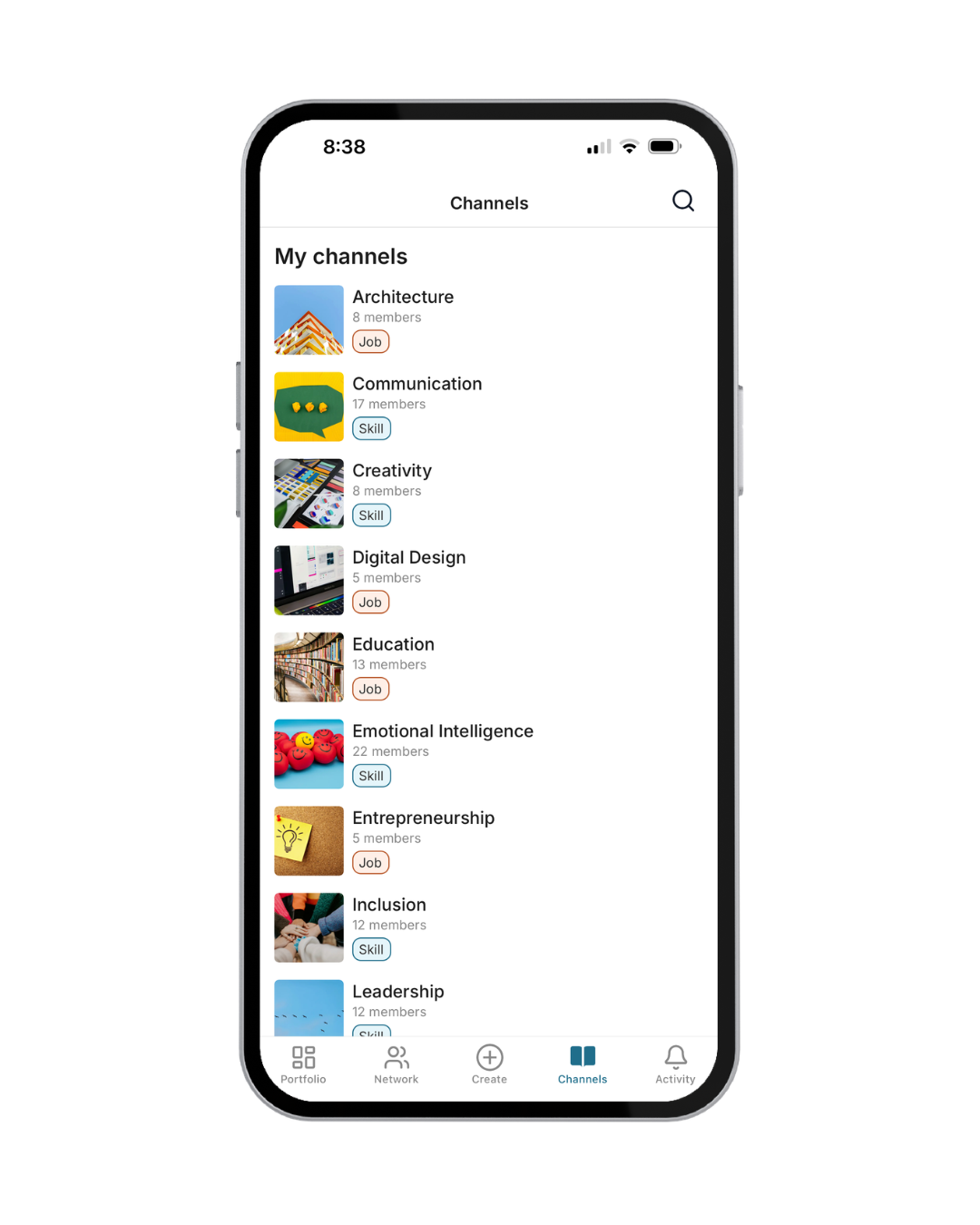
Join skill and job channels relevant to your professional interests.
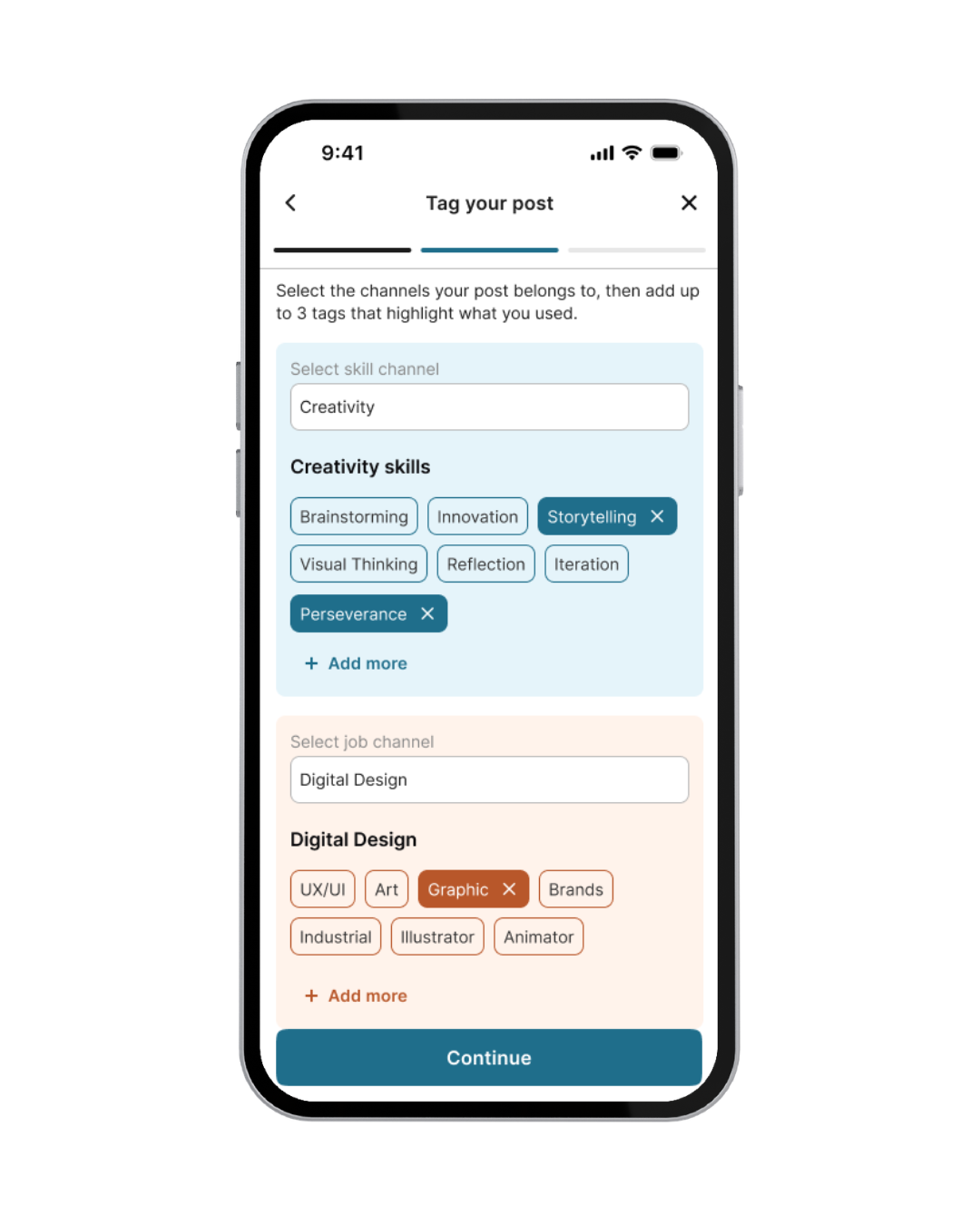
Tag your posts with specific skills to add context to your post.
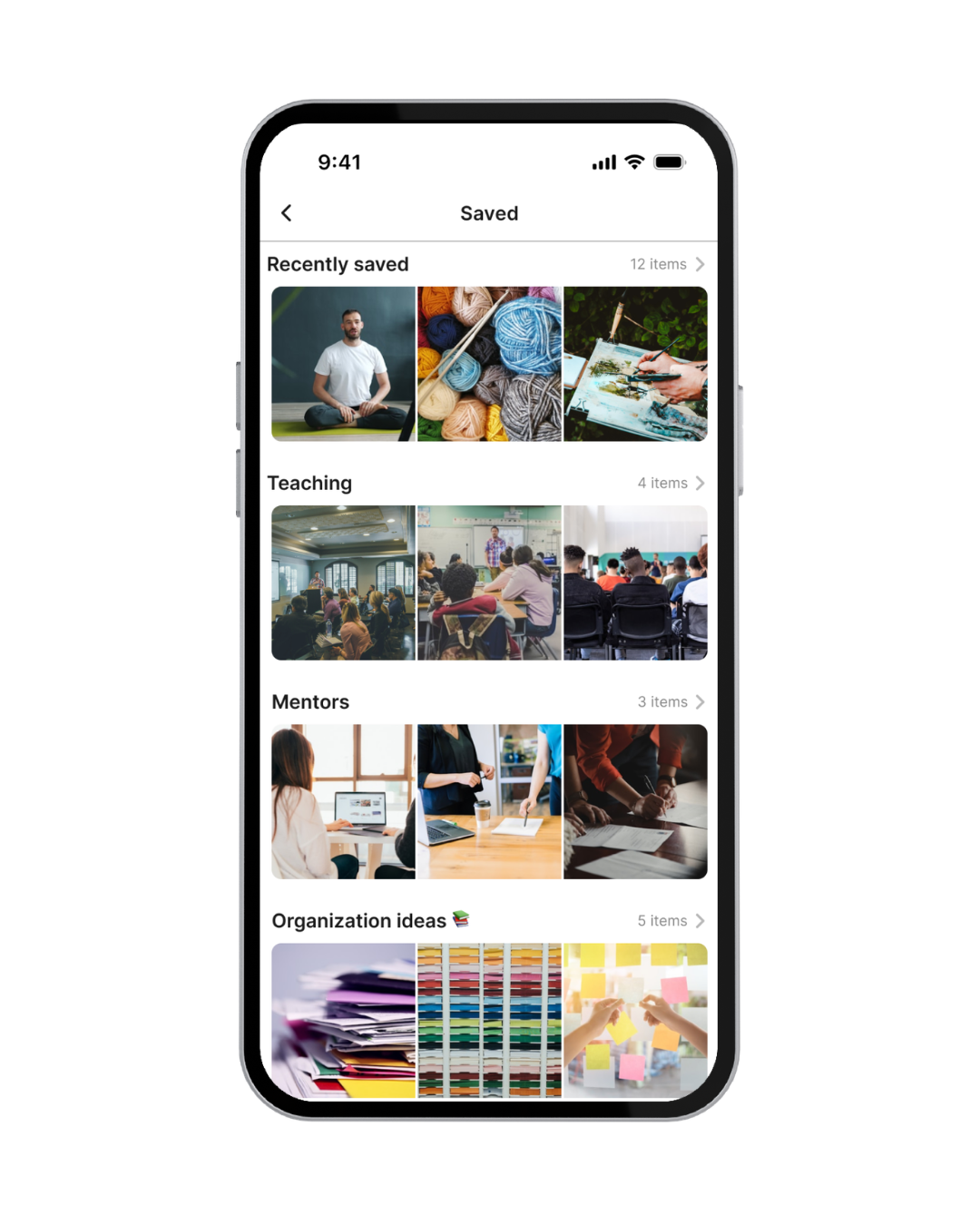
Save inspiring people, portfolios and posts.
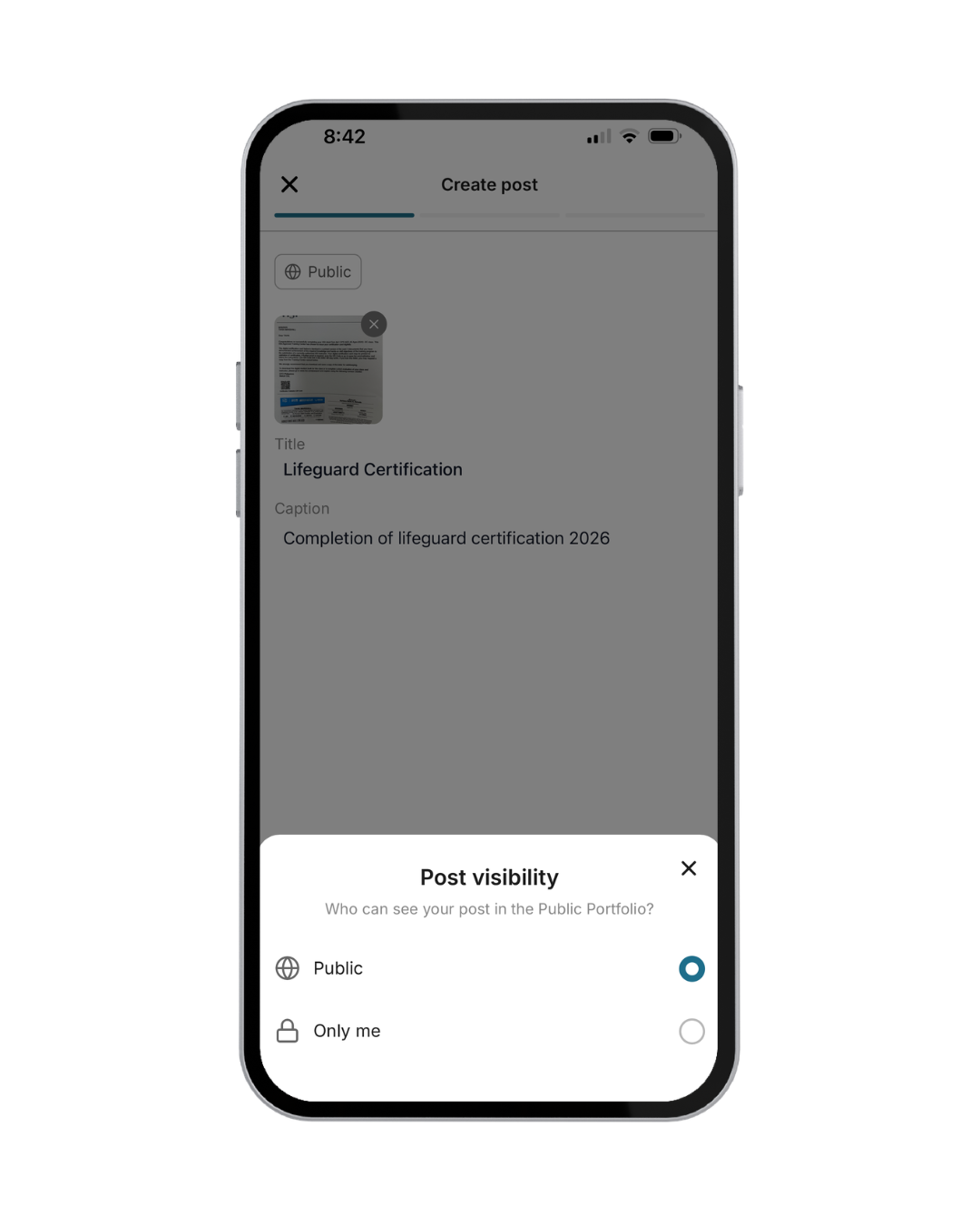
Create public posts or private posts, just for you.
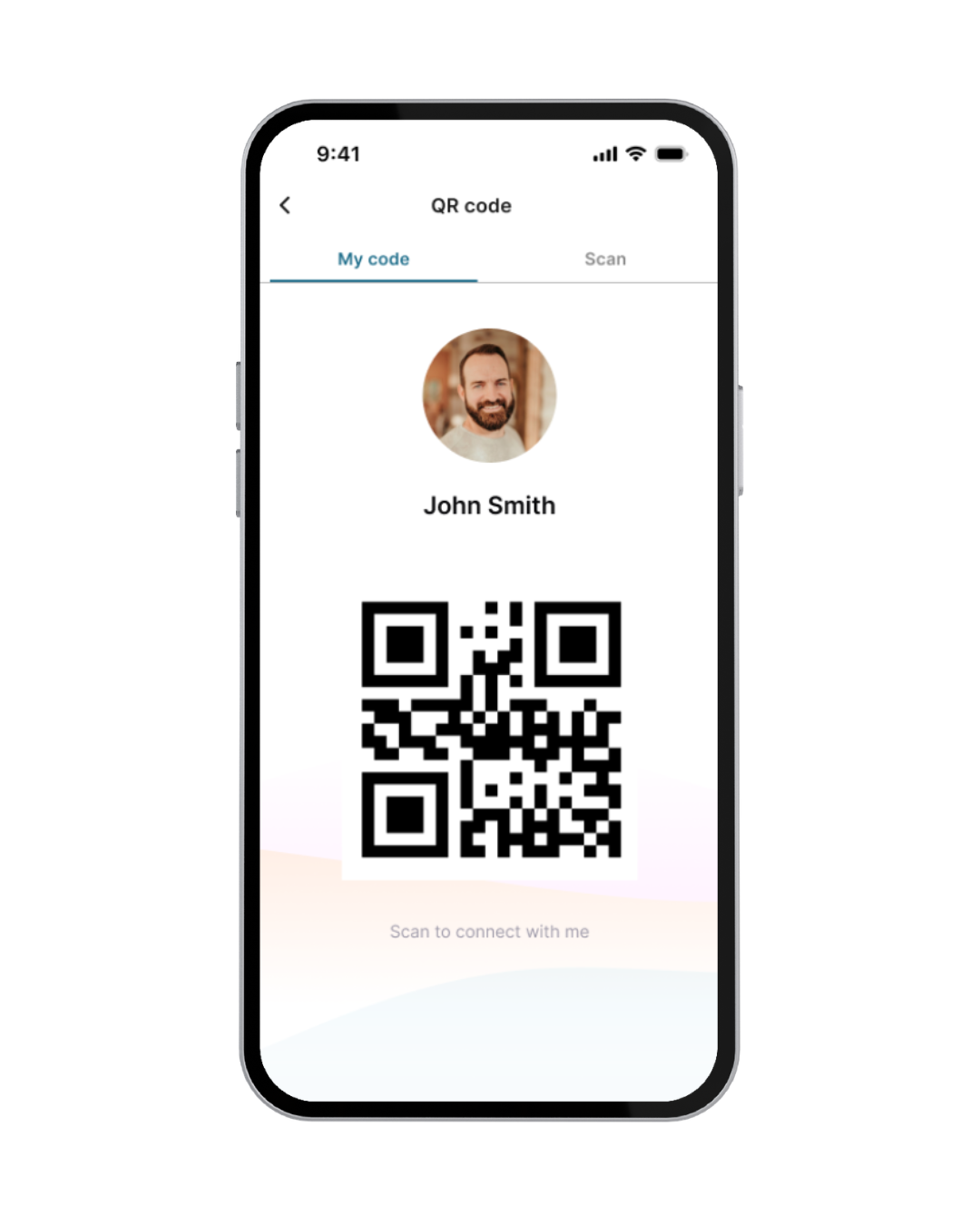
Connect in-person with QR share, so you never miss an opportunity.
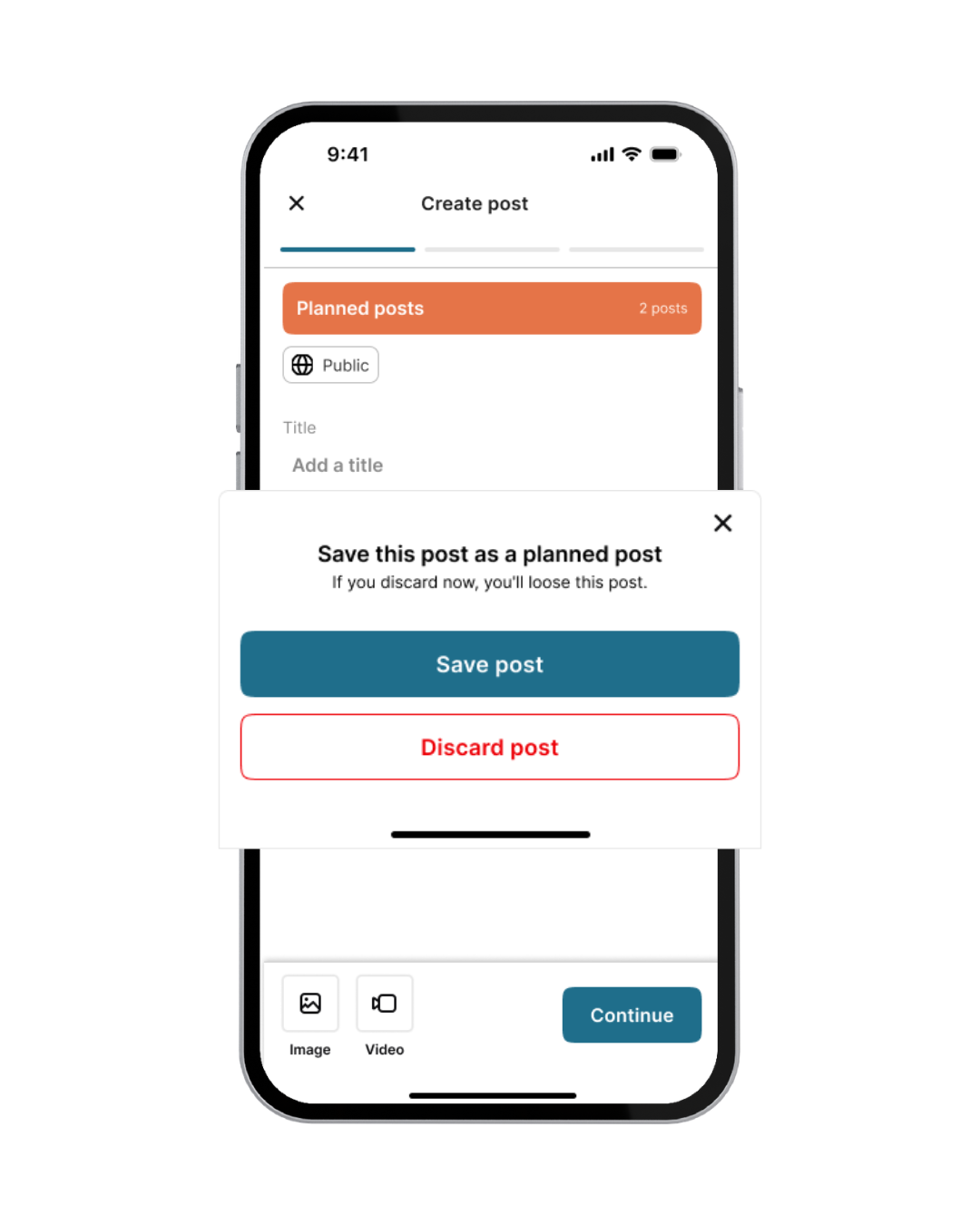
Save posts and planned posts to come back to later.
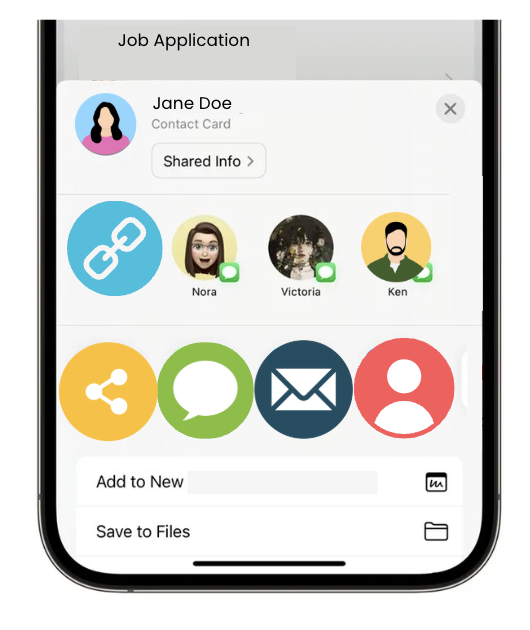
Share your portfolio or Visual CV URL with anyone, anytime.
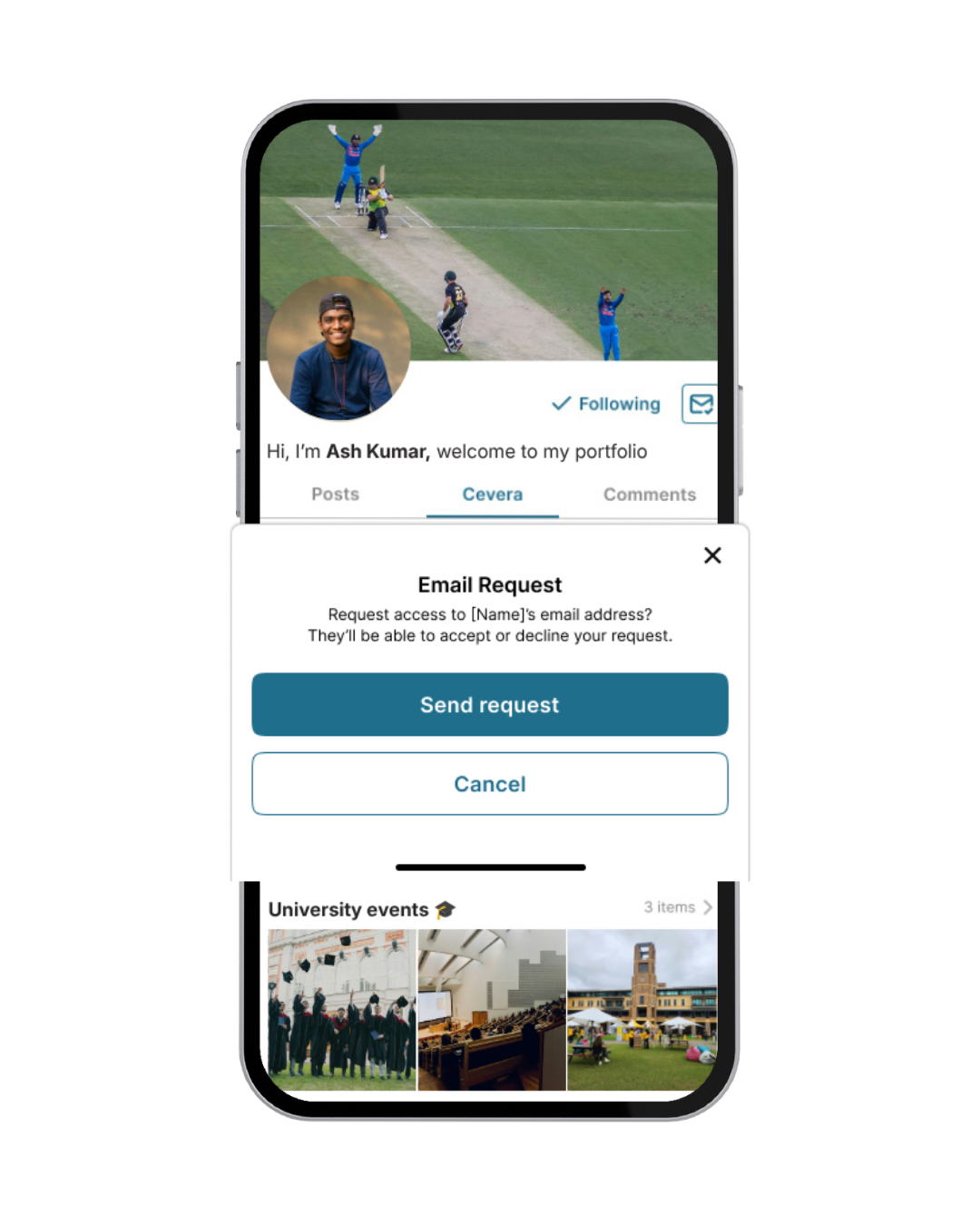
Send email requests to other users to take your opportunities off platform.